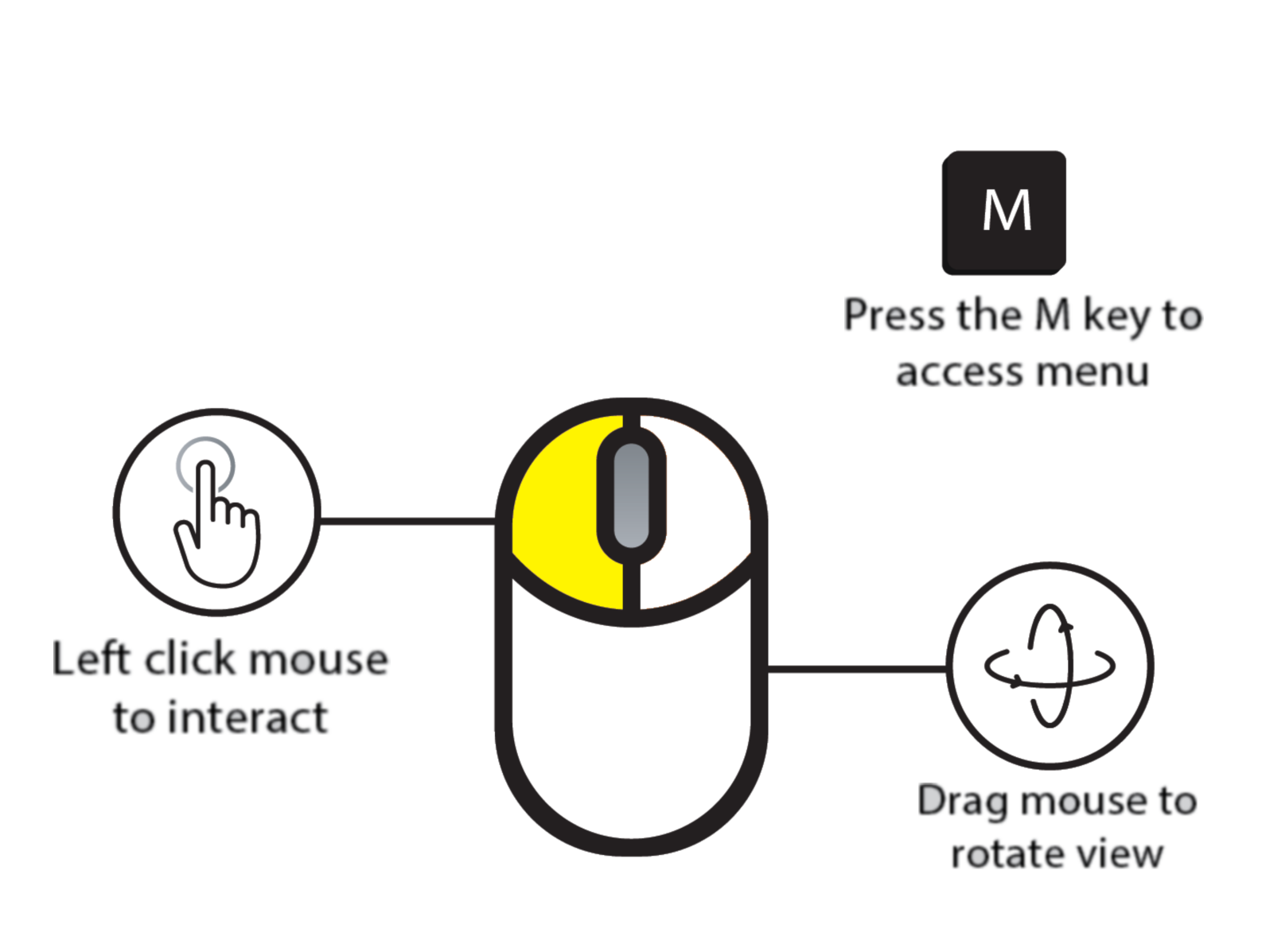
Mouse Control Note: To lock mouse control to the interactive window, left click inside the interactive window in your browser. If your mouse is already locked to the window, press "Escape" on your keyboard to unlock it.
Full Screen: Click the blue button to the right of "WVU - Behavioral Health" to enter full screen mode.
Full Screen: Click the blue button to the right of "WVU - Behavioral Health" to enter full screen mode.
WVU - Behavioral Health