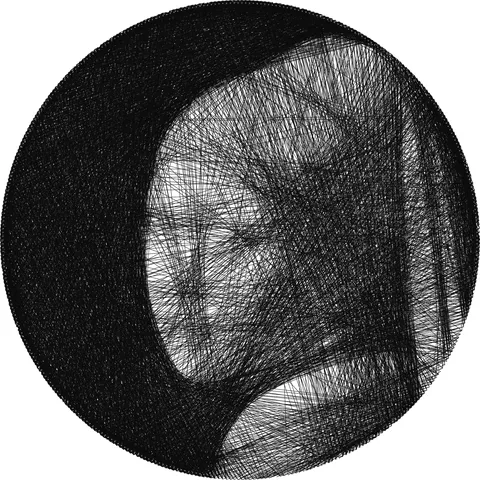
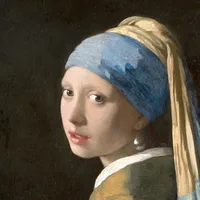
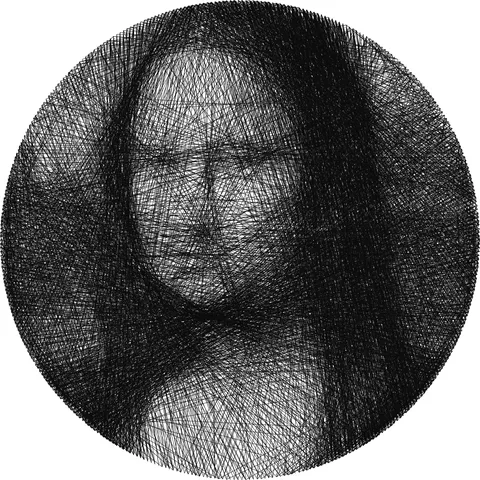
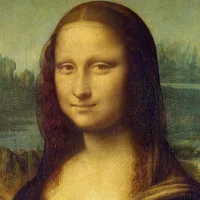
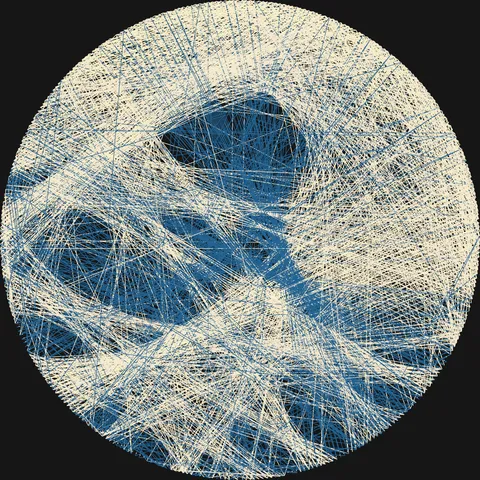
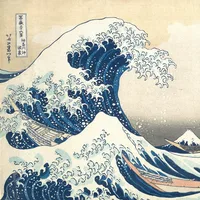


Nail 0 is at the middle of the right side; numbers increase counter-clockwise. The program keeps a picture of the board with every line placed so far, each line at the real width of six-strand floss, about 0.45 mm, and on top of the earlier ones. At each step it adds the line that brings this picture closest to the photo as seen from a distance, from any thread’s current nail. It stops when no line helps or at the line count you set. Each nail pair is used once per thread.
With several threads, the threads take turns of at least 60 lines, so you change thread rarely. Between turns, a thread stays hooked at its last nail. A thread with under 3% of the lines is removed.
The preview and the PNG draw the lines the same way, at the size of the image. A 40 cm frame is covered about once by 1,500 lines.
Find best settings makes small test versions, draws them at real thread width, and compares each with the photo as seen from 5 times the frame size, at least 1 m: tone, color, fine detail and how well the photo’s main hues are kept. It tries black or white thread and DMC floss sets that mix to the photo’s colors and keep its main hues, or only black or white thread for a photo with little color. A grey or wood board is chosen only if it scores 8% better than white or black and shows at least as much detail. The line count stops where more lines no longer look closer. Fewer threads, lines or nails win if within 1% of the best score. Nails stay at least 3.5 mm apart, up to 360 nails. Larger frames use 4 mm spacing and up to 600 nails (480 on phones).
Colors are DMC floss numbers; screen colors are approximate. Lengths add 10% for knots and winding.